Local AI Product Image Generation
A desktop app that locally generates product images blocked by cloud content filters.
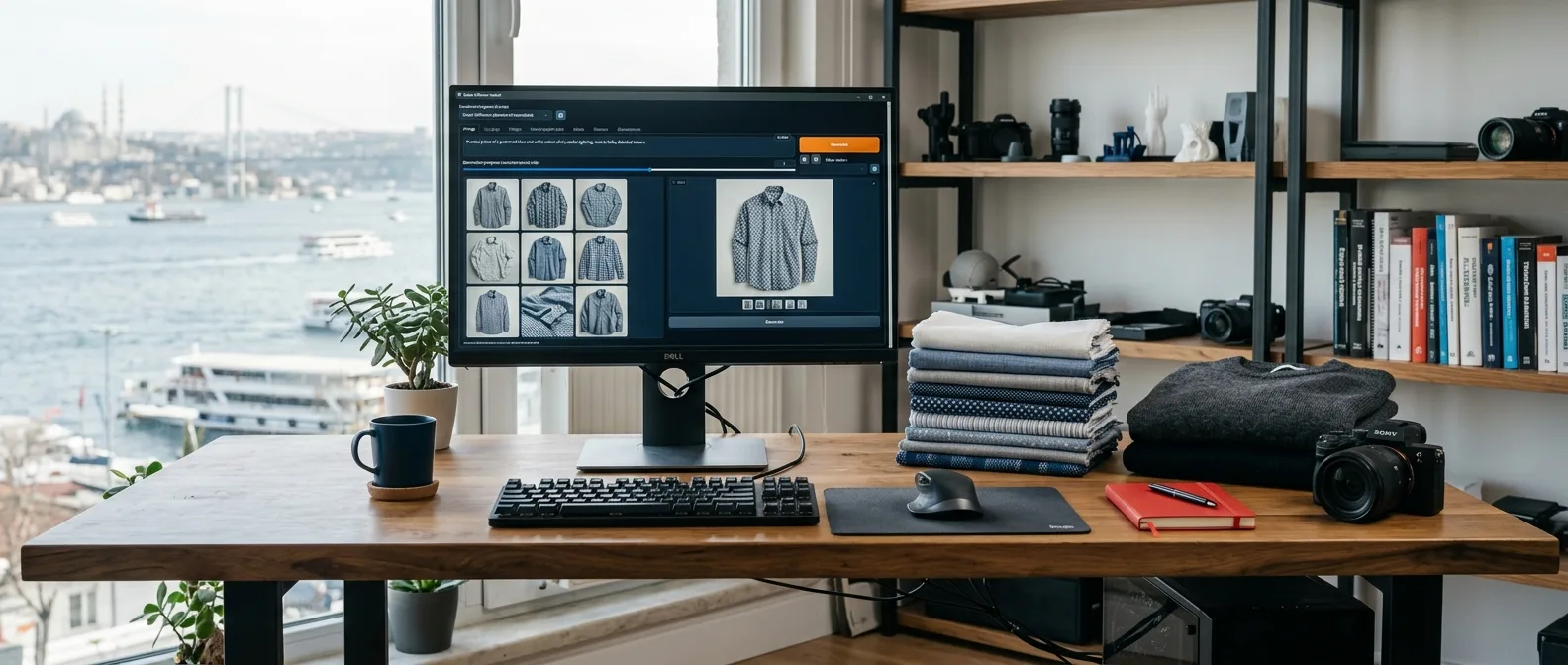
How Local AI Image Generation works
Local AI Product Image Generation is a desktop application that turns product photos into catalog and campaign visuals entirely on the company’s own computer. It is designed specifically for lingerie, swimwear, and textile products that often get blocked by the content filters of cloud-based generative AI tools. The project is currently in development.
The problem: content filters and data leaving the company
Due to automated content policies, cloud-based image generation tools frequently reject completely legitimate product photos such as lingerie and swimwear. On top of that, photos of unreleased products and model data end up uploaded to third-party servers. Together, these two issues make it difficult for brands in this sector to benefit from generative AI.
The solution: an end-to-end local generation workflow
- Product input: the product photo and key attributes are added to the app.
- Template: a brand-specific style, scene, and lighting template is selected.
- Generation: a ComfyUI workflow generates the visual using local diffusion models.
- Output: color and background variations are generated in batches and exported.
All of these steps can run without an internet connection; product data never leaves the company’s computer.
Technical architecture
The desktop layer is built with Tauri and Rust, keeping the application lightweight and cross-platform on Windows and macOS. The interface is built with Vue 3 and Pinia, designed to be simple enough for non-technical users. Image generation runs on ComfyUI using SDXL and brand-specific fine-tuned (LoRA) models, while project and generation records are stored locally in an SQLite database.
Queue management and overnight batch generation
Generating variations for hundreds of products can take hours. The application places jobs into a queue and can run batch generation when the computer is idle—for instance, overnight. The ComfyUI queue script I wrote for this task is shared on GitHub.
Further reading
I shared the background and experiments behind this approach in my note on product image generation with local AI. If you are considering a similar setup for your own products, take a look at my desktop applications and local AI service.
Where the project started
When lingerie, swimwear, and textile brands try to create product visuals with cloud-based generative AI tools, they run into content policies—and their product and model data leaves the company. This application brings the entire generation process onto the company’s own computer.
Architecture and flow
What does it offer?
- Generation workflow that works offline
- Brand-specific style, scene, and lighting templates
- Batch color and background variations from a single product
- Overnight batch generation with queue management
- Simple desktop interface requiring no technical expertise