Local Image Generation
Brand-specific product visuals, backgrounds, and variations using ComfyUI and diffusion models.
Easy-to-use desktop applications built with Tauri + Vue that run Ollama, ComfyUI, and open-source diffusion models directly on your company's own computers or servers.
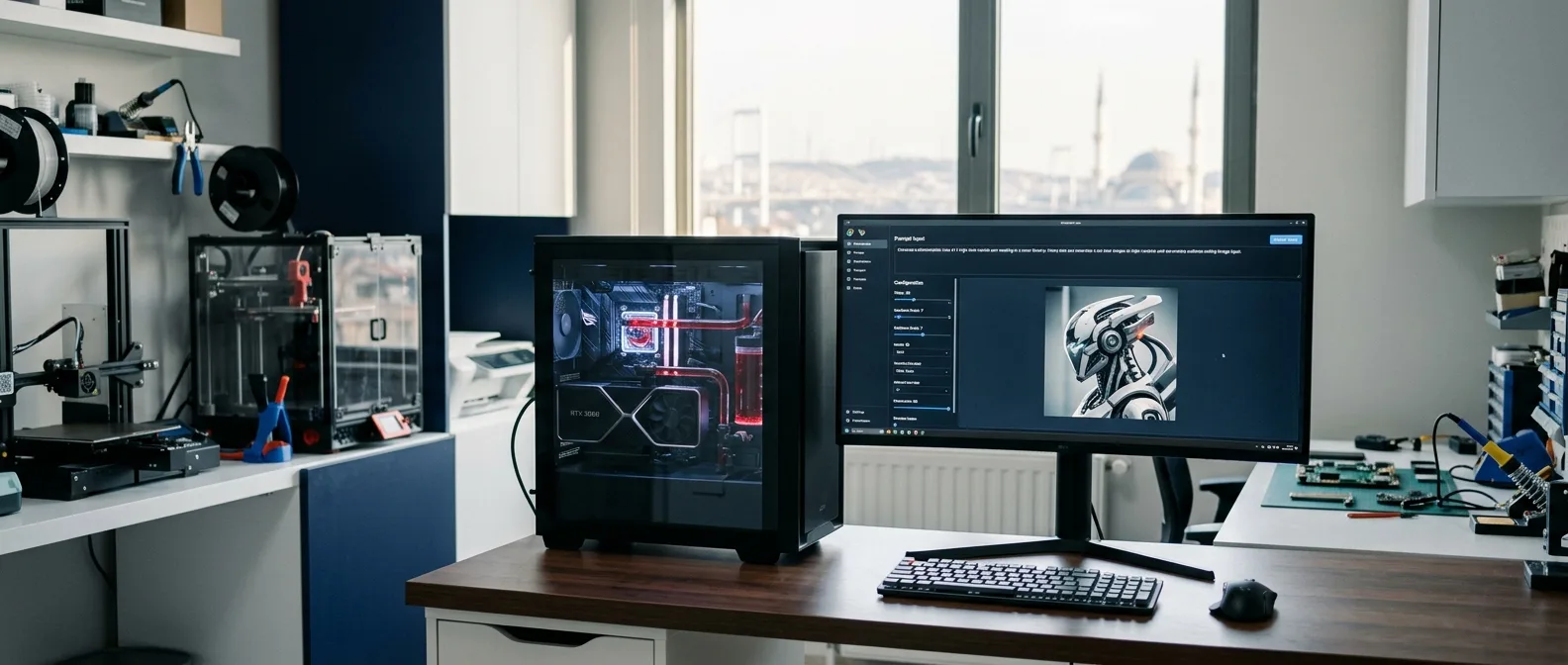
Local AI means running language and vision models on your company’s own computers or servers instead of cloud services. I turn workflows like text and document processing with Ollama or product image generation with ComfyUI into desktop applications built with Tauri + Vue—ready for your team to use without any setup knowledge.
Local models also have limitations: they do not always match the broad general knowledge of the largest cloud models, and they require suitable hardware. That is why every project starts with defining the use case; in some scenarios, a hybrid setup combining cloud and local models makes the most sense.
Product image generation: background replacement, variations, and catalog visuals using ComfyUI workflows, SDXL, and brand-specific fine-tuning (LoRA). I explain my approach to generating product images without sending data outside the company in this note and on the project page.
Document and knowledge base assistant: RAG assistants that answer questions across internal documents, procedures, and product specs while citing their sources. The same infrastructure can also draft proposals, contracts, or technical documents.
Data extraction and automation: extracting structured data from emails, forms, or PDFs and feeding it into your existing systems. I shared tips on getting reliable, verifiable output from models in my note on JSON output from local LLMs.
So your team does not have to deal with model setup, command lines, or workflow graphs, I wrap every scenario into a clean desktop app. Tauri apps are lightweight and run on Windows, macOS, and Linux, while the Vue interface shows only the controls needed for that specific job.
While text-based tasks can run on a modern computer, image generation requires a graphics card with enough VRAM. The right model size and quantization level define the balance between speed and quality; I shared my benchmarks across different levels in the Ollama quantization comparison note. After the initial assessment, I clearly specify whether your current machines are sufficient or what hardware is needed.
Upon delivery, the application and models are installed on your machines, followed by hands-on training for your team. As newer, better models are released, they are evaluated and rolled out without disrupting your existing workflow. I work on-site in Istanbul and remotely across Turkey.
Brand-specific product visuals, backgrounds, and variations using ComfyUI and diffusion models.
Document Q&A, content generation, and internal knowledge base assistants powered by Ollama.
Lightweight, secure desktop interfaces built for non-technical teams.
If your question is not answered here, let’s discuss it in the initial call.
It depends on the use case. Text-based tasks run well on a modern computer, while image generation requires a capable GPU; clear recommendations are provided during the assessment.
Yes. Both the models and the application run on your own machines and work without an internet connection.
With the right model selection and brand-specific fine-tuning, you can achieve production quality for both product visuals and text tasks; we validate this together through a pilot run.
Tauri’s built-in auto-updater delivers new versions seamlessly to your team.
Yes. The applications run on Windows, macOS, and Linux. Macs with Apple Silicon are very efficient for text-based tasks; for heavy image generation, a PC or server with a dedicated GPU may be recommended.
Licensing terms vary by model. At the start of the project, we verify the commercial license of every candidate and select only models cleared for commercial use.
Yes. The application can connect to a database, file server, or internal API on your local network; the integration scope is defined during the assessment.
New models are tested against your own data, and if they deliver better results, the model is swapped in the application. This keeps you free from vendor lock-in.