3D Printing Desktop AI Assistant
A local AI assistant that diagnoses print failures and recommends slicer profiles.
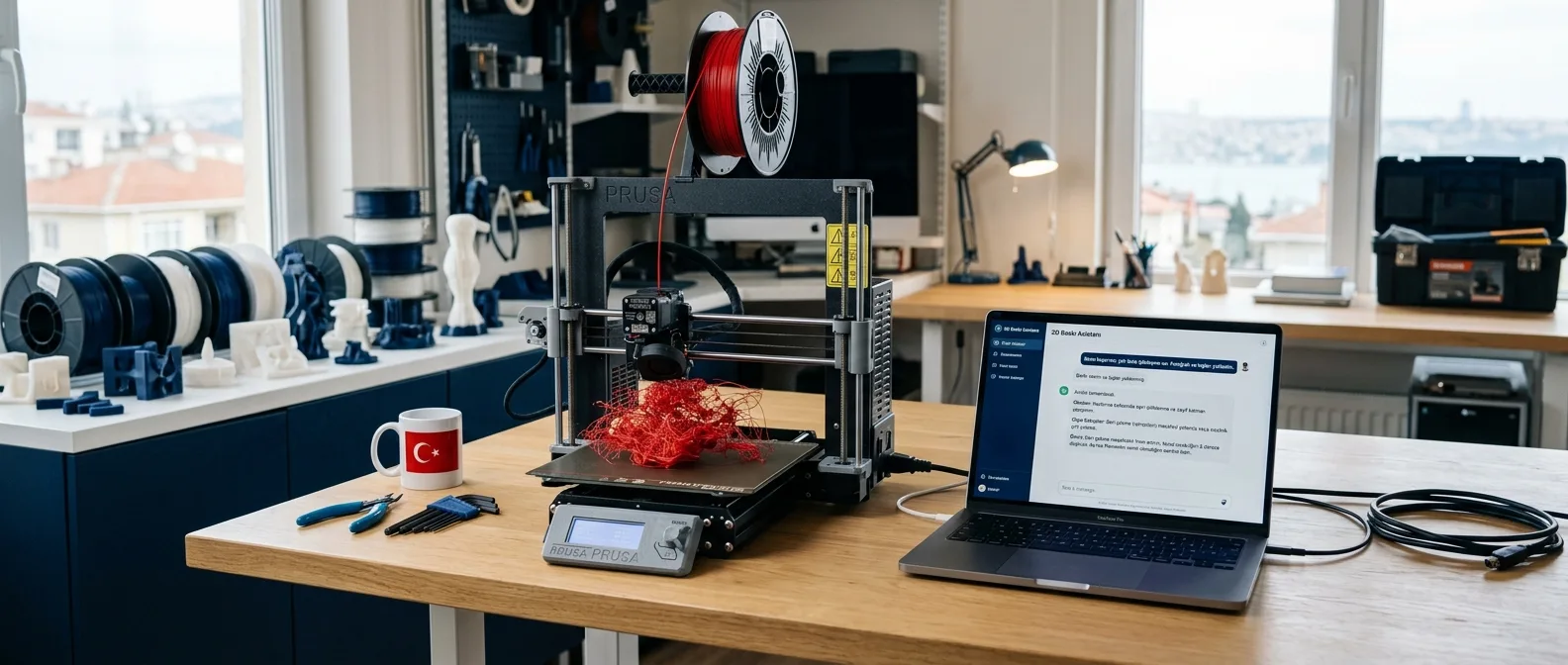
How 3D Printing AI Assistant works
The 3D printing desktop AI assistant is a fully local AI application that gives users standing right at their printer instant diagnoses and solutions for print failures. Its knowledge base is built on questions gathered in the StepperSkip community and experiment logs from the Lab. The project is currently in beta.
Why an assistant?
Most of the frequent questions in StepperSkip revolve around the same issues: stringing, warping, layer shifts, and slicer settings. The answers are usually already out there, but finding the right one right when a print fails takes time. The assistant aims to turn this accumulated knowledge into a helper right next to the printer that works even without an internet connection.
How does it work?
- Input: The user provides a photo of the issue, a brief description, and printer details.
- Knowledge base (RAG): Relevant sources are retrieved from community and Lab logs.
- Local model: A language model running on Ollama diagnoses the issue using these sources.
- Recommendation: A step-by-step fix and a suitable print profile are presented along with the underlying sources.
Showing which record an answer is based on makes it harder for the model to hallucinate and easier for the user to verify the suggestion. I covered how to get structured, verifiable output from local models in this note.
What does it help with?
- Diagnosing print failures such as stringing, warping, and layer shifts
- Temperature, flow, and speed recommendations by filament type and nozzle
- Profile settings for engineering filaments that require an actively heated chamber
- Source-backed answers grounded in community and Lab logs
I compiled practical temperature values for printers with actively heated chambers in the ABS and ASA temperature guide; the assistant’s knowledge base is fed by records like these.
Why does it run locally?
Workshops don’t always have a reliable internet connection, and print issues usually happen right at the printer. That’s why the assistant is designed to work completely offline. The desktop layer is built with Tauri and Rust, the interface with Vue 3, and the knowledge base with SQLite and a vector index. I explored the trade-off between model size and speed in my note on quantization comparison.
With your own knowledge base
The same architecture can be adapted into a support assistant that runs on internal company documentation. Projects like this are covered under the desktop applications and local AI service.
Where the project started
The most common questions in StepperSkip are about similar print failures and slicer settings. I wanted to turn this body of knowledge into a local assistant that gives instant answers to users right at their printer.
Architecture and flow
What does it offer?
- Diagnosis of issues like stringing, warping, and layer shifts
- Temperature, flow, and speed recommendations by filament type and nozzle
- Profiles for heated chambers and engineering filaments
- Source-backed answers powered by StepperSkip and Lab logs
- Fully local, offline operation